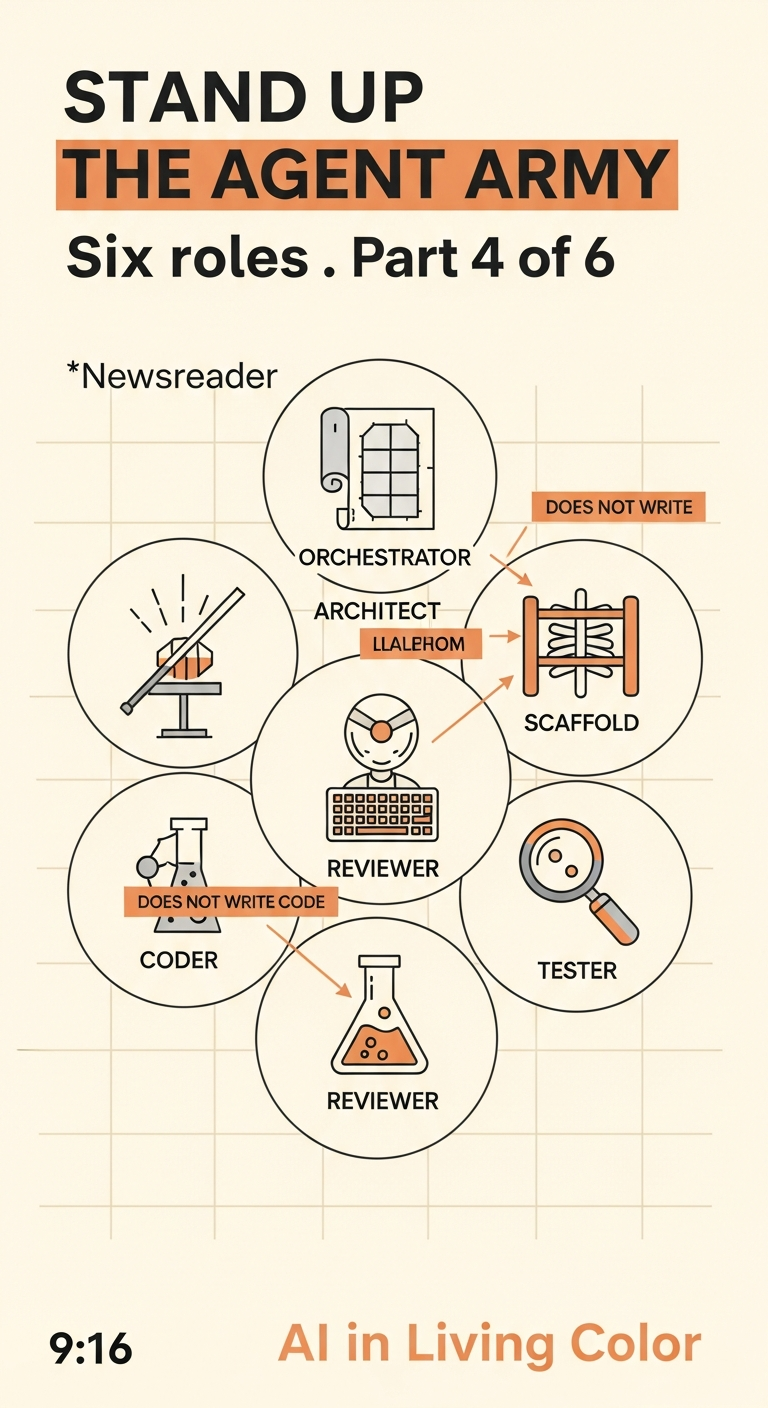
The Principal Engineer's Agentic Coding Bible · Episode 04
The Principal Engineer's Bible, Part 4: Standing Up the Agentic Engineering Army
A six-part guide for the IT/Cyber/Cloud generalist now orchestrating AI agents. Part 4 is operationalizing the army: six core agent personas, model routing by phase, orchestration framework picks, default tool allowlists, UI standardization rules, and repository + CI/CD discipline.
Listen in my voice · AI narration (ElevenLabs clone)
Watch the episode · AI-generated video
On this page
- The 6 Core Agent Personas
- Model Routing by Phase
- Orchestration Framework Picks
- Default Agent Tools (Allowlist by Default)
- UI Standardization: Escape “AI Same-App Syndrome”
- SaaS (Next.js + TypeScript): pick ONE per app
- Mobile (Expo + React Native + TypeScript): pick ONE per app
- The non-negotiable UI rules
- Repository Standards
- Mandatory documentation files
- Pre-commit and CI/CD Gates (from Part 3, operationalized)
- Pre-commit baseline (web / Next.js)
- CI/CD gates (GitHub Actions)
- The one-screen summary
- What’s next
This is Part 4 of The Principal Engineer’s Agentic Coding Bible. Part 1 was the worldview shift. Part 2 was the toolchain. Part 3 was the security spine. Part 4 is operations. You have a worldview. You have tools. You have a security baseline. Now you need an organizational shape that lets agents actually do useful work without stepping on each other or producing chaos.
This is where the “principal engineer” role earns its money. You’re not building features. You’re running a small team of agents that build features.
The 6 Core Agent Personas
Every well-run agentic workflow has at least these six roles. Some collapse into one agent that wears multiple hats; some need to be different processes with different contexts and different tools. The roles do not change. The packaging does.
| Agent | Role | Real-world analogy | Does code? |
|---|---|---|---|
| Orchestrator | Plans, delegates, tracks. The traffic cop. | CTO / PM | No |
| Architect | System design, data model, boundaries, ADRs | Staff Engineer | Diagrams only |
| Scaffold | Runnable skeleton fast. Gets the project from zero to “it boots” | ShipFast Builder | Yes |
| Coder | Minimal diffs, correct code, tests | Senior Dev | Yes |
| Reviewer | Correctness, security, maintainability, performance | Tech Lead + Security partner | No (feedback only) |
| Tester | Test plan, integration tests, edge cases | SDET | Yes (tests only) |
Notice three of the six roles don’t write production code. That’s the point. Most agentic systems fail because they hire all coders and no orchestrator and no reviewer. You get a fast crew that ships garbage and then can’t tell you why production is on fire at 2 AM.
A real principal engineer in 2026 makes sure every one of these roles is staffed by an agent (or a small group of agents), each with the right context, the right tools, and the right model for its job.
Model Routing by Phase
In 2025 the answer to “which model” was “Claude or GPT-4.” In 2026 the answer is: it depends on the phase, the budget, and how much capability you actually need for that specific role.
I use a two-phase model:
- Phase 1: Exploit. Cheap-and-fast models. Drafting, scaffolding, exploratory work. You want a lot of iterations cheap.
- Phase 2: Consolidate. Strong models. Final architecture decisions, careful review, production-grade output.
Here’s how I route as of late May 2026:
| Agent role | Phase 1 (Exploit, cheap/fast) | Phase 2 (Consolidate, strong) |
|---|---|---|
| Orchestrator | Gemini 3.5 Flash / Haiku 4.5 | Claude Sonnet 4.5 |
| Architect | Gemini 3.5 Flash | Claude Opus 4.5 / Gemini 3.1 Pro |
| Scaffold | Haiku 4.5 / Goose (local) | Sonnet 4.5 |
| Coder | GPT-5-mini / OpenCode | Codex CLI / Claude Code (with Sonnet or Opus) |
| Reviewer | Haiku 4.5 | Claude Opus 4.5 (stronger reviewer wins, no contest) |
| Tester | GPT-5-mini | Codex CLI |
A few notes on this table for May 2026:
- The Phase 2 reviewer should be your strongest model. A weak reviewer is worse than no reviewer because it makes you think you’ve checked.
- The architect role on Phase 2 can flex between Opus 4.5 and Gemini 3.1 Pro depending on context size. Gemini 3.1 Pro has the long-context edge if you’re reasoning over an entire repo.
- For pure agentic coding tasks, Codex CLI in Phase 2 with the current GPT model is genuinely the best plan writer I’ve used. Pair it with Claude Code for the build phase.
- Skip GPT-4o-mini. It’s been superseded by GPT-5-mini for the same cost tier. The original v3 doc has it because the doc is from March; the world moved.
Two-phase routing saves you real money. The Phase 1 work happens fast and cheap so you can iterate. Phase 2 only kicks in when you’re consolidating, and you only pay the premium when it matters.
Orchestration Framework Picks
The framework you pick to run all this depends on your taste and your stack. Here’s the May 2026 landscape with honest tradeoffs.
| Framework | Philosophy | Best for | Learning curve |
|---|---|---|---|
| OpenAI Agents SDK | Productized, opinionated, handoff-based | Fast shipping, OpenAI-first stacks | Low |
Claude Agent SDK (@anthropic-ai/claude-agent-sdk) | Developer control, hooks + subagents, single agent extraordinarily capable | Complex workflows, deep OS access | Medium |
Vercel AI SDK v6 + @ai-sdk/mcp | Provider-agnostic, TypeScript-native, MCP-first | Multi-model routing, TS stacks | Low |
| LangGraph | Explicit multi-agent coordination, graph-shaped state machines | Complex stateful workflows | High |
| CrewAI | Role-based agent teams, collaborative-by-design | Fast prototyping of multi-agent workflows | Medium |
| Hermes Agent (Nous Research) | Self-improving, persistent cross-session memory, skills auto-generated | Long-running autonomous projects | Low to Medium |
| Antigravity SDK (Google) | Agent-first platform, multi-model out of the box | Building on Google’s stack, AI Pro included | Medium |
Cursor SDK (@cursor/sdk 1.0.13) | Programmatic Cursor runtime, MCP + Skills + Hooks inherited | Productionizing what works inside the Cursor IDE | Medium |
My defaults right now: Vercel AI SDK as the orchestration backbone (model-agnostic, MCP-native, TypeScript-first), with Claude Agent SDK as the heavy-lifter for deep workflows that need OS access, and Cursor SDK for content-repo work that’s already wired to my Cursor MCP setup.
I do not run LangGraph day-to-day. I respect what it does for state-machine work, but the learning curve does not pay off until you’re at a scale of multi-agent coordination that solo operators rarely hit.
Default Agent Tools (Allowlist by Default)
The single biggest harness mistake people make is letting agents call arbitrary tools. The fix is an allowlist with explicit risk tiers.
Here’s the minimum bar for a production agent’s tool surface:
| Tool | Purpose | Risk level | Notes |
|---|---|---|---|
searchDocs() | Query internal documentation | Low | Read-only, no PII exposure |
queryDbReadOnly() | Database queries, read-only | Low | RLS-enforced where applicable |
createTicket() | Linear / Jira ticket creation | Low | Worst case: noisy backlog |
summarizeDiff() | Safe diff summaries | Low | Static analysis, no side effects |
runChecks() | Fetch CI status | Low | Read-only |
openPullRequest() | GitHub PR creation | Medium | Reviewed before merge; no auto-merge |
commentOnIssue() | Post comments | Medium | Use for human-in-loop notification |
triggerWorkflow() | Manual workflow dispatch | Medium | Approval-gated where possible |
Never in production. Period.
- Arbitrary shell commands
- Write access to databases without explicit approval
- Direct file system access outside the agent’s working dir
- Network requests to arbitrary URLs
- Production secret read by agents during development
- Self-modifying skills without a review gate
The “Never” list is non-negotiable. Every one of those is how an agent eventually deletes your production database or exfiltrates your customer data. The Replit incident from 2025 (covered in Part 3) lives right at the intersection of three of these. Don’t give the agent the rope.
UI Standardization: Escape “AI Same-App Syndrome”
This one’s underweighted in most agentic playbooks and it’s a real problem.
AI models default to whatever UI patterns they’ve seen the most. Without constraints, every AI-built app looks like the same shadcn dashboard. Your apps should look like your brand, not the model’s defaults. Otherwise you’re spending months building something whose interface is indistinguishable from every other product shipped this quarter.
SaaS (Next.js + TypeScript): pick ONE per app
| Pack | Best for | Style |
|---|---|---|
| Tailwind Plus: Catalyst | Premium admin / dashboards | Clean “Stripe-ish” |
| shadcn/ui | Fast MVP, flexible | Neutral, customizable |
| Next.js SaaS Starter | Consistent app skeleton | Layer with Catalyst or shadcn for visual style |
Mobile (Expo + React Native + TypeScript): pick ONE per app
| Pack | Best for | Style |
|---|---|---|
| Ignite | Production RN apps | Battle-tested structure, opinionated |
| Expo Router tabs | Fast MVP | Clean, minimal |
| Tamagui starter | Web/mobile parity | Design system across platforms |
The non-negotiable UI rules
- Pick ONE UI pack per app. No mixing. If you mix, the agent will keep mixing forever.
- Lock design tokens. Colors, spacing, type scale, radius scale. Apply them everywhere. No magic numbers in components.
- No random UI libs. Agent suggests
react-some-table-thing-2026? Reject the PR. New dependency = explicit justification. - Approval required for any new UI dependency. Doesn’t matter how popular it is on Twitter this week.
These rules exist because agents drift toward visual sameness. The fix is structural constraint, not vibes. The rules above are how you keep your product looking like your product.
Repository Standards
Here’s the SaaS repo layout I default to (Next.js App Router):
src/
├── app/                  # Routes + server actions
├── components/           # UI from your chosen pack
├── lib/
│   ├── config.ts         # Env parsing + validation (zod)
│   ├── validators/       # Request + response schemas
│   ├── ai/               # AI provider clients
│   └── agents/           # Agent orchestration
├── server/               # Server-only code
specs/                    # Feature specifications (SDD artifacts)
tests/                    # Unit, integration, e2e
The shape matters for the agents as much as for the humans. agents/ and specs/ being top-level means an agent doing context selection (Part 1, Pillar 2) finds them immediately.
Mandatory documentation files
If these aren’t in your repo, the next agent (or the next human) will reinvent your decisions wrong.
| File | Purpose | Update frequency |
|---|---|---|
README.md | Setup, running, deploying | Every release |
ARCH_NOTES.md | System design decisions, ADRs | When architecture changes |
TODO_DEBT.md | Known technical debt | Weekly |
.env.example | Required environment variables (no values) | When env changes |
CONTRIBUTING.md | How to contribute | Quarterly |
SECURITY.md | Security policy, reporting channel | Annually |
specs/ (directory) | Feature specifications, SDD artifacts | Every feature |
agents.md or CLAUDE.md | Agent context and rules | Iteratively, as you discover gaps |
I take agents.md / CLAUDE.md particularly seriously. That file IS the harness for any agent operating in the repo. Treat it as production code.
Pre-commit and CI/CD Gates (from Part 3, operationalized)
Part 3 introduced the three-gate model. Part 4 is the implementation.
Pre-commit baseline (web / Next.js)
| Tool | What it does | Why |
|---|---|---|
prettier | Format code | Removes style debates from PRs |
eslint | Lint code | Catches obvious bugs and bad patterns |
tsc --noEmit | TypeScript typecheck | Catches the hallucinated imports Part 3 warned about |
| Unit tests (fast subset) | Run on staged files | Fast feedback |
gitleaks | Scan for committed secrets | Last line before secrets hit git |
Wire these through husky + lint-staged. If pre-commit fails, the commit does not exist.
CI/CD gates (GitHub Actions)
| Stage | What it does |
|---|---|
| Install dependencies | Clean install, lockfile verified |
| Lint | Full lint pass across the codebase |
| Typecheck | tsc --noEmit over the whole tree |
| Unit tests | All of them |
| Integration smoke test | Verifies the system actually composes |
| Build | Build artifacts produced |
| Dependency audit | npm audit (or pnpm audit / pip-audit) |
| SAST scan | Semgrep or equivalent |
If CI fails, the PR does not exist. I will say this in every part of this series because every team I’ve watched fail at this failed by overriding the gates “just this once.”
The one-screen summary
If you’re skimming for the takeaways:
| Concern | Answer | Where it lives |
|---|---|---|
| Who’s doing the work? | 6 personas (Orchestrator, Architect, Scaffold, Coder, Reviewer, Tester) | Section 1 |
| Which model? | Two-phase routing: cheap for Exploit, strong for Consolidate | Section 2 |
| What framework? | Vercel AI SDK + Claude Agent SDK + Cursor SDK as my defaults | Section 3 |
| What tools can agents call? | Allowlist by default, never the “Never” list | Section 4 |
| How do apps not all look the same? | One UI pack per app, lock tokens, reject random libs | Section 5 |
| How do agents find what they need? | Repo layout, mandatory docs, agents.md / CLAUDE.md | Section 6 |
| How do bad changes get blocked? | Three-gate model: local, pre-commit, CI/CD | Section 7 |
What’s next
Part 5 is production architecture. The Vercel + GCP split, mobile development (Expo + RN), the database layer (Supabase + Postgres + RLS), the SDLC runbook by stage from ideation to V1 hardening.
Part 6 is the operating system you actually run day-to-day. Vibe coding failure case studies (the receipts), compliance and governance, the Notion workspace template, feature spec templates, launch checklists, daily and weekly loops.
Subscribe to AI in Living Color below if you want each part dropped into your inbox as it ships.
This is Part 4 of “The Principal Engineer’s Agentic Coding Bible,” v3.0, originally drafted March 2026, now publishing in pieces through 2026 in my actual voice. Built in public.